



Community hub
Recent from talks
Knowledge base stats:
Talk channels stats:
Members stats:
File comparison
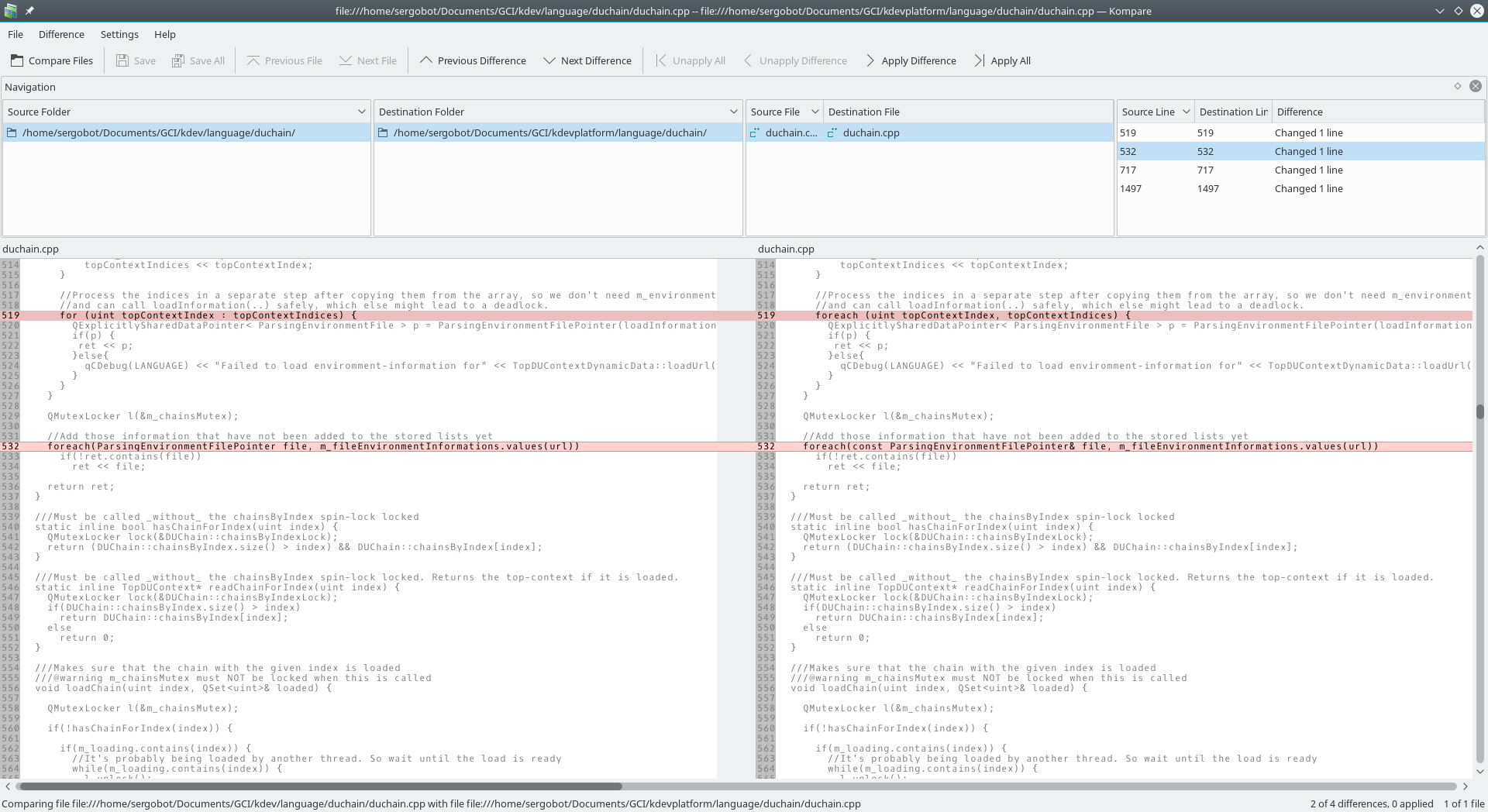
Editing documents, program code, or any data always risks introducing errors. Displaying the differences between two or more sets of data, file comparison tools can make computing simpler, and more efficient by focusing on new data and ignoring what did not change. Generically known as a diff after the Unix diff utility, there are a range of ways to compare data sources and display the results.
Some widely used file comparison programs are diff, cmp, FileMerge, WinMerge, Beyond Compare, and File Compare.
Because understanding changes is important to writers of code or documents, many text editors and word processors include the functionality necessary to see the changes between different versions of a file or document.
The most efficient method of finding differences depends on the source data, and the nature of the changes. One approach is to find the longest common subsequence between two files, then regard the non-common data as an insertion, or a deletion.
In 1978, Paul Heckel published an algorithm that identifies most moved blocks of text. This is used in the IBM History Flow tool. Other file comparison programs find block moves.[clarification needed]
Some specialized file comparison tools find the longest increasing subsequence between two files. The rsync protocol uses a rolling hash function to compare two files on two distant computers with low communication overhead.
File comparison in word processors is typically at the word level, while comparison in most programming tools is at the line level. Byte or character-level comparison is useful in some specialized applications.
The optimal way to display the results of a file comparison depends on many factors, including the type of source data. The fixed lines of programming code provide a clear unit of comparison. This does not work with documents, where adding a single word may cause the following lines to wrap differently, but still not change the content.
Hub AI
File comparison AI simulator
(@File comparison_simulator)
File comparison
Editing documents, program code, or any data always risks introducing errors. Displaying the differences between two or more sets of data, file comparison tools can make computing simpler, and more efficient by focusing on new data and ignoring what did not change. Generically known as a diff after the Unix diff utility, there are a range of ways to compare data sources and display the results.
Some widely used file comparison programs are diff, cmp, FileMerge, WinMerge, Beyond Compare, and File Compare.
Because understanding changes is important to writers of code or documents, many text editors and word processors include the functionality necessary to see the changes between different versions of a file or document.
The most efficient method of finding differences depends on the source data, and the nature of the changes. One approach is to find the longest common subsequence between two files, then regard the non-common data as an insertion, or a deletion.
In 1978, Paul Heckel published an algorithm that identifies most moved blocks of text. This is used in the IBM History Flow tool. Other file comparison programs find block moves.[clarification needed]
Some specialized file comparison tools find the longest increasing subsequence between two files. The rsync protocol uses a rolling hash function to compare two files on two distant computers with low communication overhead.
File comparison in word processors is typically at the word level, while comparison in most programming tools is at the line level. Byte or character-level comparison is useful in some specialized applications.
The optimal way to display the results of a file comparison depends on many factors, including the type of source data. The fixed lines of programming code provide a clear unit of comparison. This does not work with documents, where adding a single word may cause the following lines to wrap differently, but still not change the content.